







Skip to content
Built Around Your Business

Custom Software and Web Panels

CRM, booking, membership and admin panels. We fit the software to your process instead of bending your process to the software, and on delivery the source code is yours.

Free Intro CallGet Your Custom Software QuoteWe'll hear out your workflow and tell you plainly whether an off-the-shelf solution or custom software is the right call.
Brands We've Worked With
Accor logo
Ricoh logo
DirecTV logo
Champion logo
Mitsubishi Motors logo
Tata logo
Tektronix logo
Western Union logo
Adobe logo
LinkedIn logo
CNN logo
HP logo
Use Cases

What We Build Most Often

These are the needs we see most often; your project may combine several of them.

CRM and Customer Tracking

Quotes, meetings and follow-ups in one place.

  • Contact and company records
  • Quote and contract tracking
  • Meeting notes and reminders
  • Sales pipeline report

Appointments and Bookings

An online flow that fills your calendar.

  • Online booking page
  • Resource and staff calendars
  • Reminder messages
  • Cancellations and rescheduling

Admin Panel

One screen for your operations.

  • Role-based permissions
  • Customizable lists
  • Bulk actions and export
  • Dashboard

Member and Dealer Portals

A private area for customers and dealers.

  • Membership and login system
  • Dealer-specific price lists
  • Order and account balance tracking
  • Document and catalog sharing

Integration Development

Connecting your systems.

  • Accounting and invoicing software
  • E-commerce and marketplaces
  • Shipping and payment providers
  • Email and messaging services

Reporting and Data

Reports you can decide with.

  • Automated periodic reports
  • Excel and CSV export
  • Data cleanup and migration
  • Dashboards and alerts

How a Project Runs

Four steps. We don't start development until the scope is in writing; that's where never-ending projects come from.

01

Free intro call

A 30-minute call. We talk about your process, your team and your expectations. If an existing product does the job, we tell you so plainly and don't recommend custom software.

02

Requirements and scope

User roles, screens, flows and integrations are written down. The scope is prioritized and the core of version one is defined.

03

Design and development

Screen flows are approved as simple sketches, then built. You see a working version at regular intervals, and feedback is handled the same week.

04

Testing, launch and handover

The system is tested with real data, your team is trained, and it goes live. The source code, database and server access are handed over to you.

Engagement Models

We don't list prices: cost is set by scope. We work out which model fits you together on a call.

Most popular

Project-Based

For one-off builds with a clear scope

  • Written scope and a set delivery plan
  • Design approval and development
  • Testing and launch
  • Source code handover
  • Team training
Get a Quote

Ongoing Development

For teams improving a live system month by month

  • Monthly development capacity
  • A priority list agreed together
  • Bug fixes and improvements
  • Security updates
  • Monthly progress report
Get a Quote

Maintenance & Support

For teams that want the system kept running

  • Security and dependency updates
  • Backup checks and restore tests
  • Incident response
  • Minor changes
  • Monitoring and alerting setup
Get a Quote
Halil İbrahim Er — Founder

Behind the software project

Backed by a 25-Person Expert Team + AI Automation

When custom software depends on a single developer, the project stops when that person leaves. Halil İbrahim Er oversees a team where analysis, interface design, development and testing are handled separately; the code and documentation stay with you.

Traditional Agency

Dependence on one developer, projects started without a written scope, source code that's never handed over.

Ufpu Digital

A written scope, regular working versions, documentation and source code handover.

25+ Experts

Channel-specialized team

AI Automation

24/7 monitoring & anomaly detection

Automatic Reports

Daily & weekly in the panel

Founder Oversight

Halil İbrahim Er sign-off

Software Knowledge Hub

Custom Software and Web Panel Guide

The most common questions, from choosing between off-the-shelf and custom software to security and life after delivery.

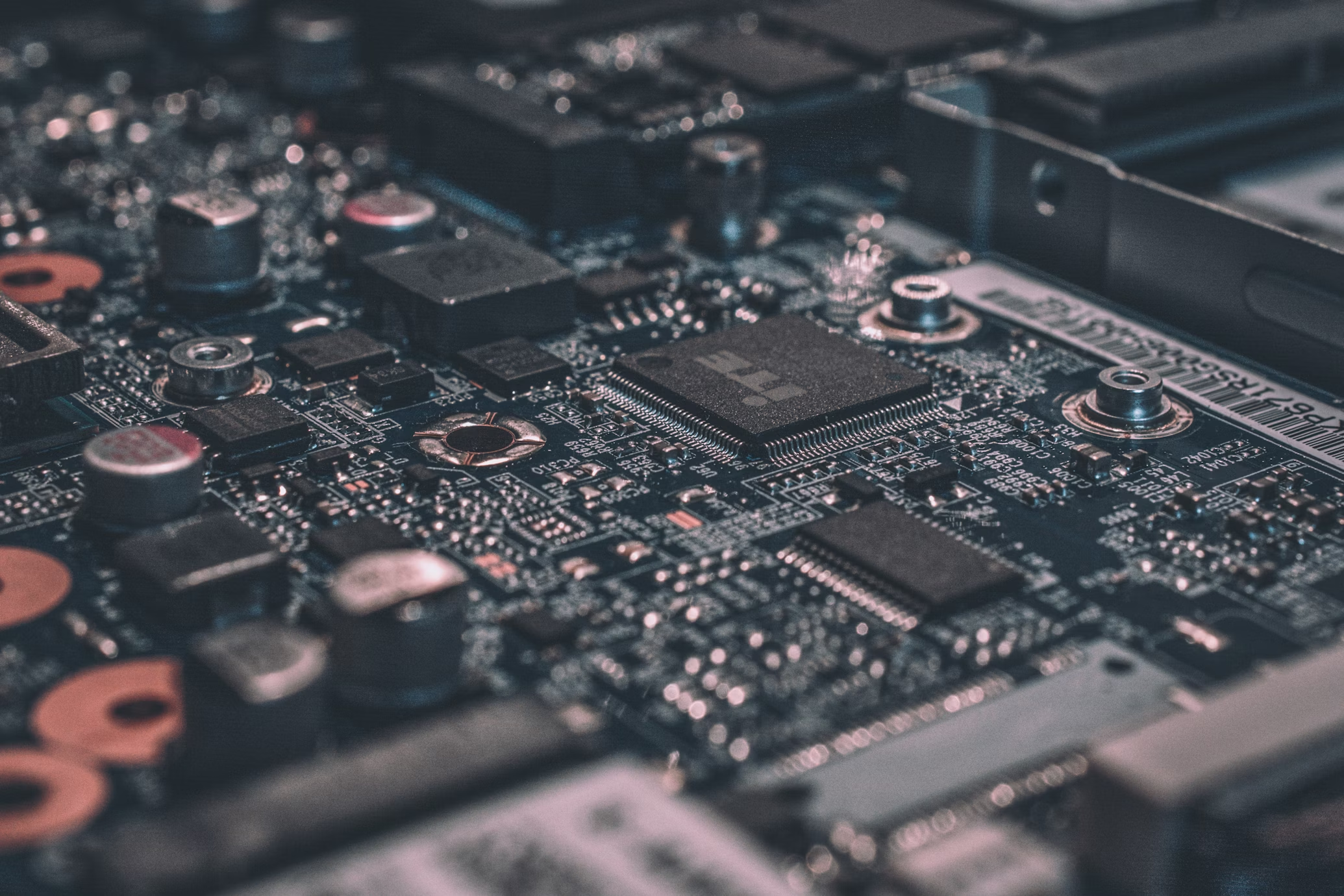
A development setup where custom software is weighed against off-the-shelf tools

Decision

Off-the-Shelf or Custom Software?

Not every business needs custom software. For common needs like accounting, e-commerce and email marketing, off-the-shelf products are mature; for a modest monthly fee you get a system that has been refined for years. Having the same thing built from scratch is usually both expensive and unnecessary.

Custom software makes sense when the way you work doesn't fit off-the-shelf products. If you have your own pricing logic, a non-standard approval chain, an industry-specific calculation, or a process that has to connect several systems, ready-made products either fall short or turn into add-on costs that rise every month.

The second factor is how central the process is. Handing a process that sits at the heart of your business, the thing that sets you apart from competitors, to another company's product roadmap is risky. For processes like that, custom software isn't just a cost; it's an asset you control.

We make this call openly on the intro call. If an existing tool does the job, we say so, explain which product to set up and how, and we don't recommend custom software. When it really is needed, we start from the smallest version that works; not every wish fits into version one.

  • Off-the-shelf for common needs
  • Custom software for unique workflows
  • Control over your core processes
  • The smallest working scope in version one

A web panel where business data is managed from one screen

Panels

What Does a Web Panel Do?

A web panel is the admin screen where a business runs its day-to-day work in the browser. Customer records, quotes, appointments, orders, team tasks and reports live in one place. There's nothing to install, and the team sees the same up-to-date data wherever they log in from.

In most businesses this runs on spreadsheets, WhatsApp groups and notebooks. That works at a small scale; as the team grows, you end up with several copies of the same file, lost information and no clear view of who did what. A panel brings that mess down to a single source.

A good panel is judged by how much it shortens daily work, not by its feature count. How many clicks do the three to five most repeated tasks take, how fast does search return results, how many minutes does a new hire need to learn it? Design decisions are made around those questions.

Permissions are a core part of a panel too. Sales should see their own customers, managers the whole team, and accounting only the financial records. If that separation isn't set up from the start, adding it later is both hard and risky, so it's handled in the first design.

  • Up-to-date data in one source
  • Fewer steps for frequent tasks
  • Role-based permissions
  • Access with nothing to install
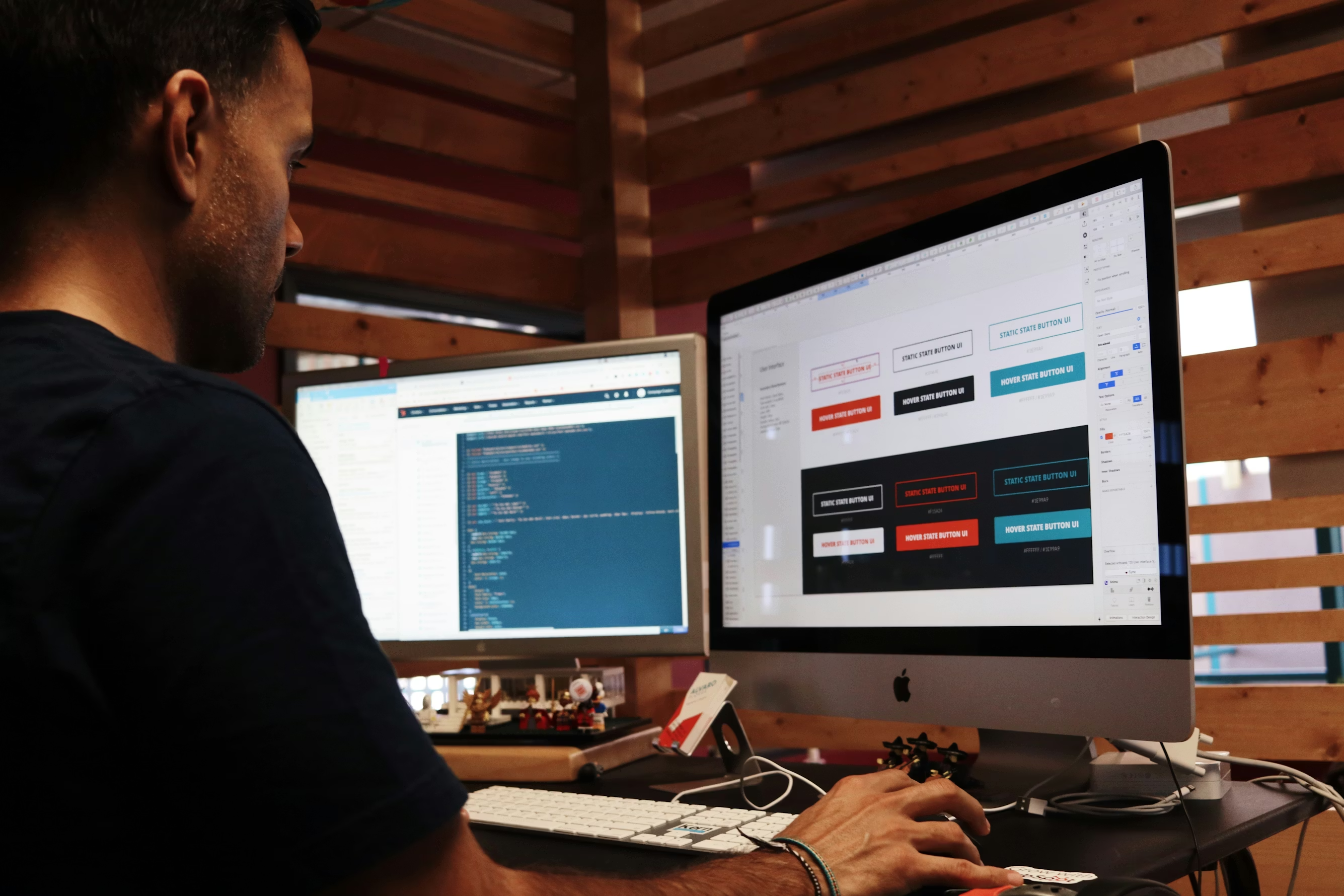
A code editor where a custom software project is developed

Process

How Does a Project Run?

The process starts by putting the requirements in writing. What work will the system do, who will use it, which screens are needed, and how will success be measured? Skip this step and the project turns into something that keeps growing during development and never finishes.

The second step is prioritizing the scope. The wish list is usually long, but a small part of it produces most of the value. Only that core goes into version one, and it ships quickly. The rest is queued once the system has been tested in real use.

The third step is design and development. Screen flows are approved as simple sketches first, then coded. During development you see a working version at regular intervals, so misunderstandings surface within days rather than months.

The fourth step is testing, launch and handover. The system is tested with real data, the team is trained, and it goes live. On delivery, the source code, database and server access are handed over to you. A maintenance agreement is optional; if you don't take one, the system still stays in your hands.

  • Requirements in writing
  • A fast first version with the core scope
  • Regular demos of a working version
  • Handover of source code and access
The technical setup where different systems are integrated

Integration

How Does It Talk to Your Existing Systems?

Much of the value of custom software comes not from what it does alone but from how it connects to your other systems. Accounting software, the e-commerce platform, shipping carriers, payment providers, email services and messaging tools are where those connections are most often made.

Whether an integration is possible depends on whether the other system offers an API. So before the project starts, we review the relevant systems' documentation; if there's no API, we look at alternatives such as file transfers, or leave that need out of scope. Every integration left vague produces a surprise cost halfway through the project.

The second key issue in integrations is error handling. What happens when the other system doesn't respond, how retries work and how failed operations are reported all have to be designed up front. Otherwise you get orders that quietly disappear or records processed twice.

The third is data ownership. Where the data flowing between systems is stored, how long it's kept and who can access it must be defined. If personal data is involved, those definitions are a legal requirement, not just a technical one.

  • API availability checked up front
  • Error and retry design
  • Reporting on failed operations
  • Defined data retention and access
A workspace where software security and access rights are configured

Security

How Is Data Security Built In?

In a panel that holds business data, security is part of the design, not a feature added later. The base layer is authentication and authorization: who can sign in, which records they can see and what actions they can take. Those checks must be enforced on the server, not just in the interface.

The second layer is data protection. Passwords are stored in a form that can't be reversed, connections are encrypted, and database access is open only to the services that need it. Backups are set up and, the most often skipped step, tested to confirm they can actually be restored.

The third layer is traceability. Audit logs showing who changed which record and when are decisive both in debugging and in disputes. Designing deletions to be reversible rather than permanent also prevents data loss.

Systems that process personal data also need to meet privacy laws such as GDPR and CCPA: which data is collected and why, how long it's kept, who can access it and how deletion requests are handled. Those decisions are made while the software is designed; adding them later often means rewriting from scratch.

  • Server-side permission checks
  • Encrypted connections and restricted database access
  • Backup restore testing
  • Audit logs and privacy-by-design
Team training and a handover meeting after software delivery

Ownership

What Happens After Delivery?

The issue that hurts clients most in software projects is who owns what after delivery. It's common to see source code that's never shared, servers left in the developer's account, or a business that depends on one person for every small change.

In our model, delivery means handover. The source code, database structure, and server and domain access are transferred to you. You can continue with another team whenever you like, with no permission or extra fee required.

A handover only works with documentation. How the system is set up, which services it depends on, what the environment variables mean and the deployment steps are all delivered in writing. Your team also gets training on using it.

Maintenance is optional. With an agreement, security updates, bug fixes, backup checks and small improvements are covered. Without one, the system keeps running; the responsibility for updates and improvements simply stays with you.

  • Handover of source code and access
  • Setup and deployment documentation
  • Team training
  • Optional maintenance agreement

↕ Scroll up / down to read every section.

S.S.S.

Frequently Asked Questions

Why build custom software instead of buying an existing product?
Off-the-shelf products cover common needs cheaply; if your business has its own workflows, that’s where they get stuck. Custom software fits the software to your process instead of the other way round, but it brings a higher upfront cost and maintenance responsibility. On the intro call we tell you plainly whether an existing product will do the job; if it will, we don’t recommend custom software.
How long does a project take?
It depends directly on scope. A single-screen quote or booking panel can be up and running within a few weeks, while a multi-user CRM or reservation system takes a few months. Because scope sets the timeline, we first separate the core that’s truly needed and launch that first.
Who owns the source code?
You do. When the project is delivered, the source code, database and server access are handed over to you, and you can continue with another team whenever you like. We don’t work with models where the code stays locked away and is never handed over.
Can it integrate with our existing systems?
Usually, yes. Accounting and invoicing software, e-commerce platforms, shipping carriers, payment providers and email services can be connected through their APIs. Whether an integration is possible depends on whether the other side offers an API; we check that before the project starts and, if it isn’t possible, tell you the alternative up front.
Is there maintenance and support after delivery?
Yes, through an optional maintenance agreement. It covers security updates, bug fixes, backup checks and small improvements. Maintenance isn’t mandatory; you can also maintain the code with your own team.
How is our data kept secure?
An authorization layer, encrypted connections, database access rules, regular backups and audit logs are set up as standard. For systems that process personal data, privacy requirements under laws such as GDPR and CCPA (notices, retention periods, access restrictions) are built in at the design stage. For projects holding sensitive data, we discuss the choice of hosting in that light too.

Let's Check If You Really Need It First

Walk us through your process. On a free 30-minute call we'll talk about whether an off-the-shelf tool is enough and, if not, how to keep version one tight.

Book a Free Call